

Your music, your folders.
iPhone · iPad · iOS 15+
Play your own tracks on iPhone and iPad, even offline. Keep your folders, browse your albums and press play. No ads, no account to create.
Download on the App StoreFree. No subscriptions or in-app purchases currently.
- Your library stays on your device.
- Folders, albums, artists and playlists. FLAC, MP3 and M4A.
- Add music with AirDrop, Finder or Wi-Fi.
Wi-Fi Transfer uses the same local network: keep Flacodi open and active during transfers. You add your own files; no music catalogue or streaming service is provided.
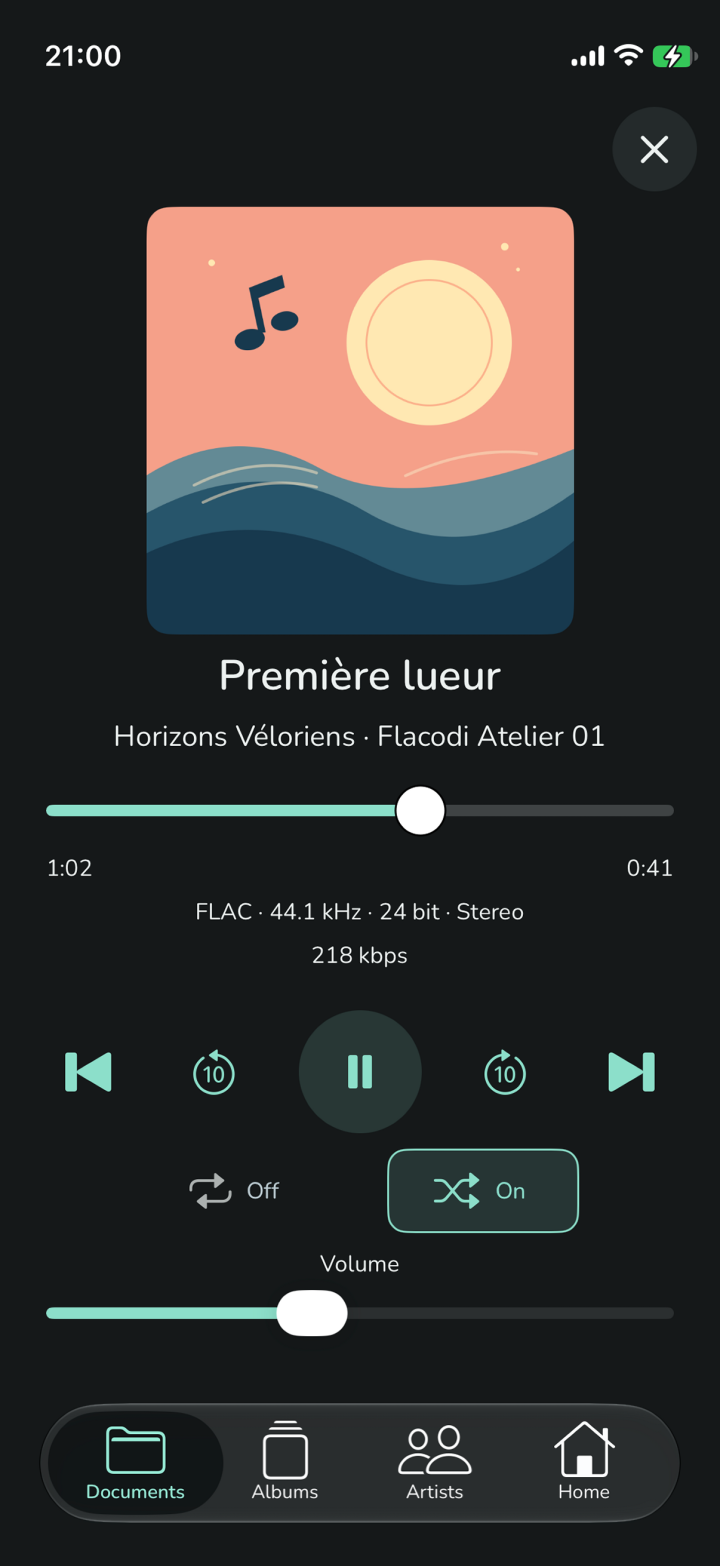
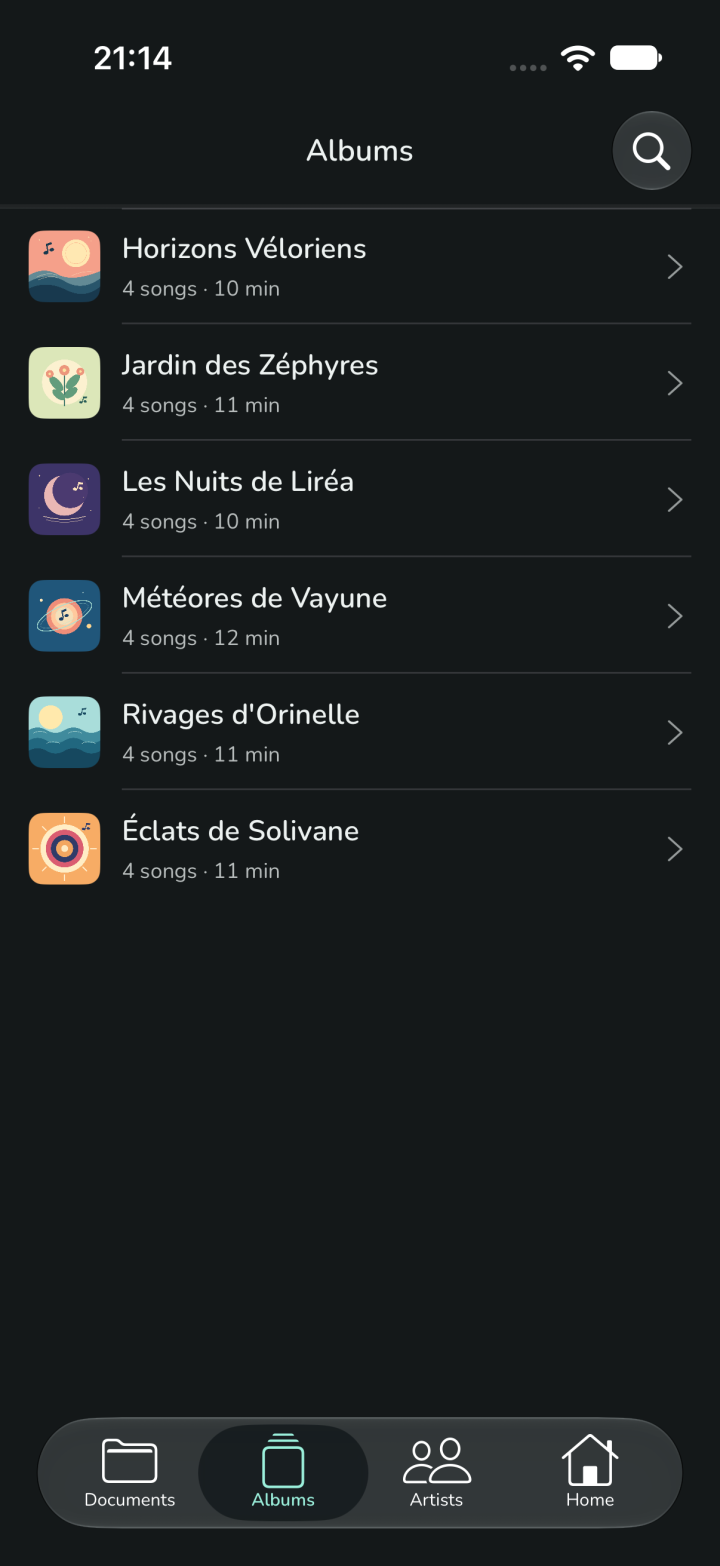
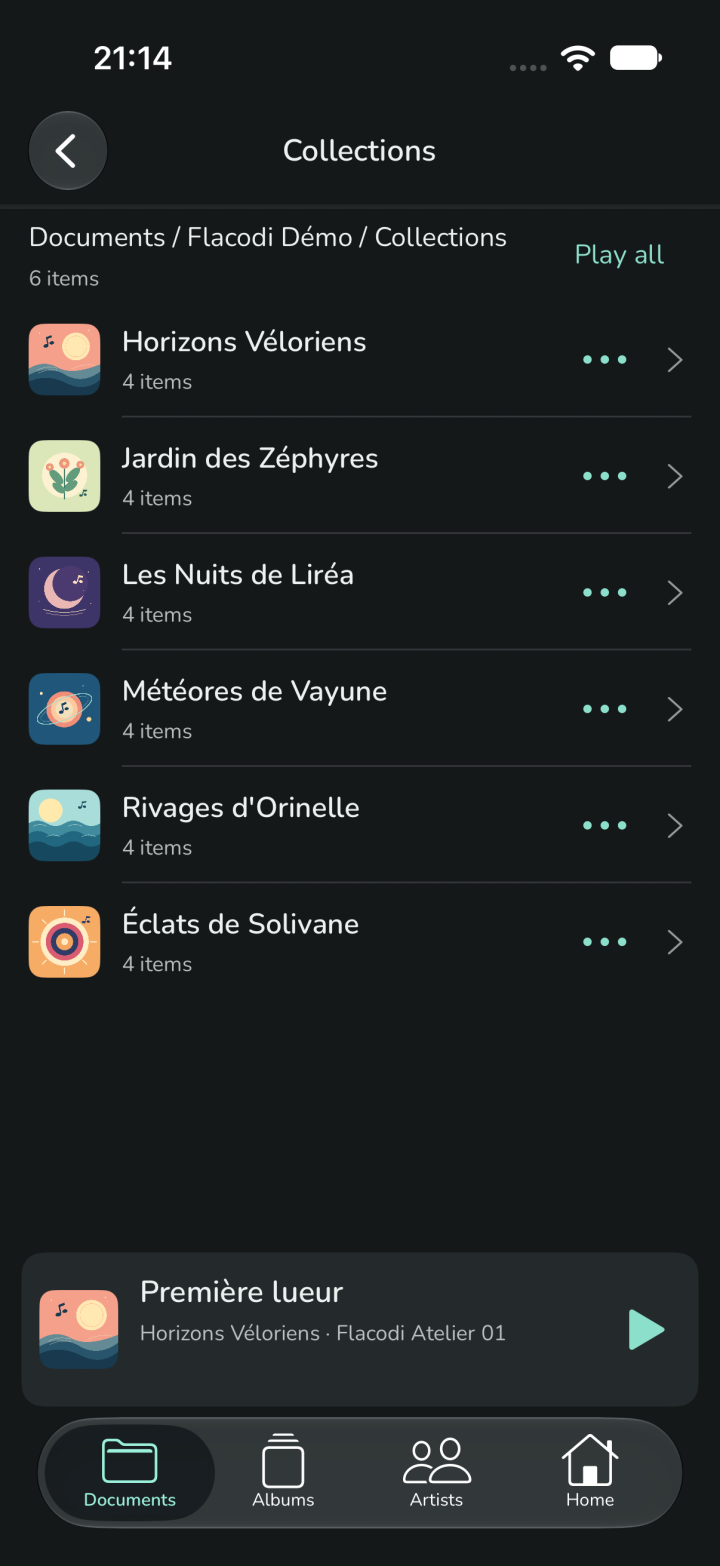
Inside Flacodi
Real app screenshots in dark mode, using a fictional demonstration library.
Swipe through the three views, starting with the player.
From a browser
Your music, from a browser too.
Add and organise tracks from your computer, then share your library with another device on the same Wi-Fi network. Your music stays on your iPhone or iPad.
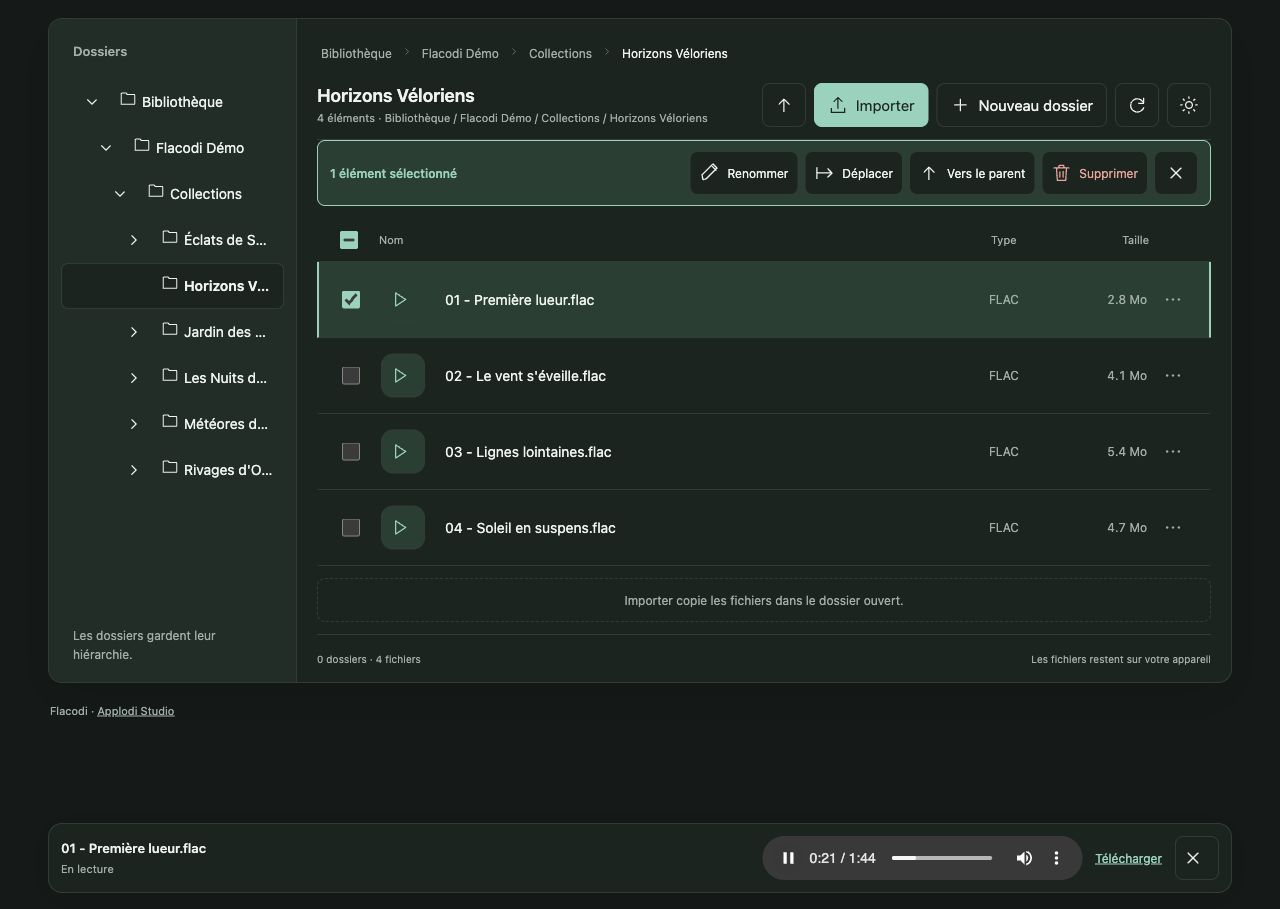
Manage your music
Drag tracks or folders from your computer while keeping their structure. Create folders, rename, move or delete files, and preview a track.
Share a listening session
Switch to the listening and download mode, then share the QR code shown in Flacodi. Guests can browse, listen and download without changing your files, installing Flacodi or creating an account.
See the listening and download view
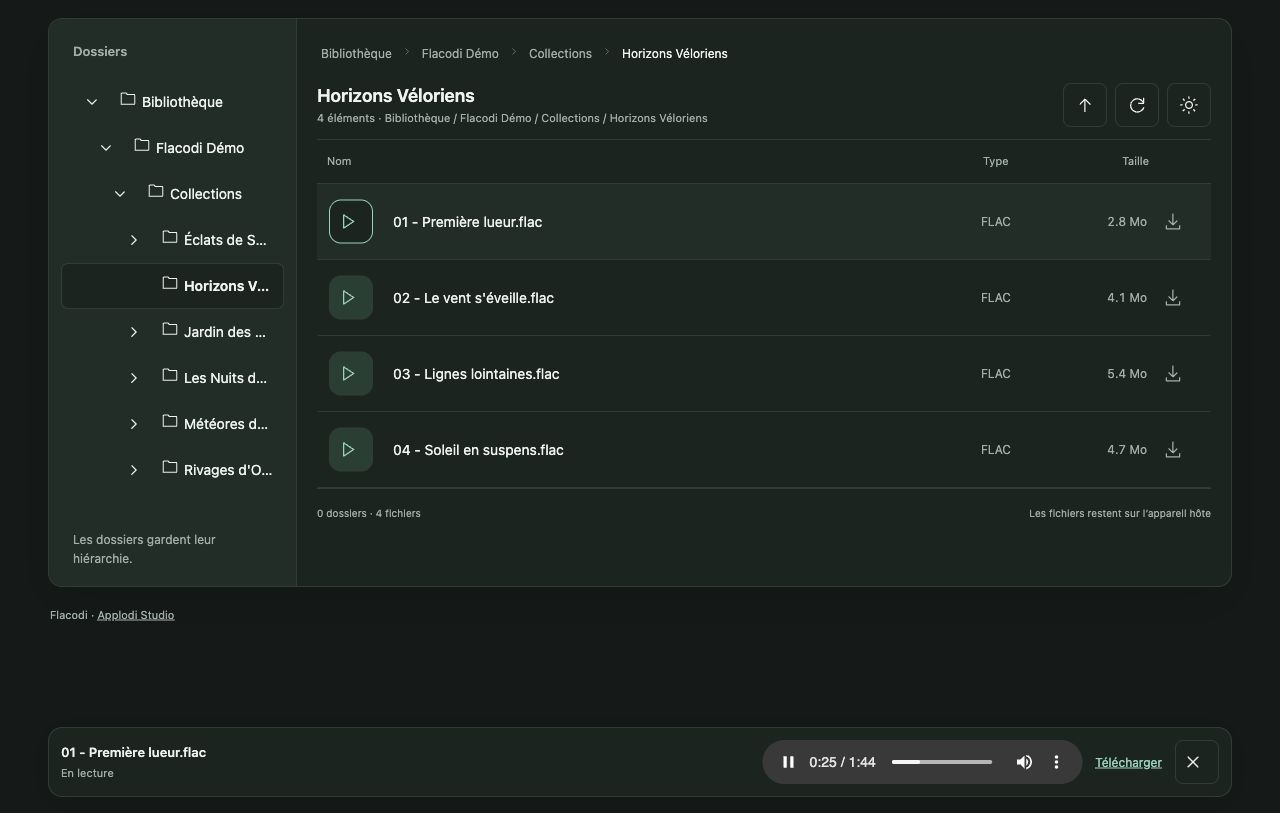
Same Wi-Fi network. Keep Flacodi open and active. Use a trusted network and turn sharing off when finished.
Browser playback depends on the format; downloading remains an alternative. The web interface is currently in French.